 Marshall J. Jones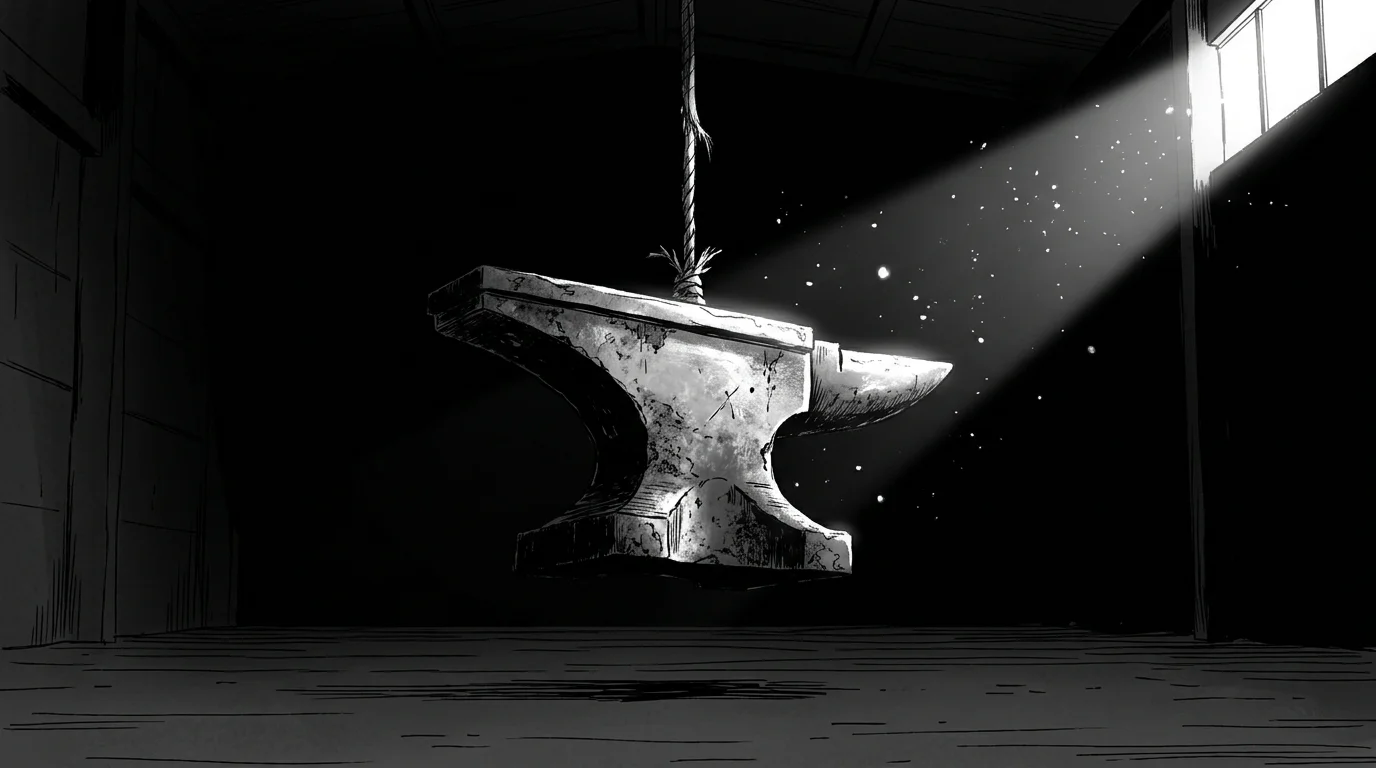
A giant boulder falls off a cliff in a movie. You don’t just see the impact; you feel it in your chest. But if you mute the television, that same boulder suddenly looks like a piece of painted Styrofoam.
This is the central trick of sound design. Visuals give us the shape and color of an object, but audio gives it its soul and, more importantly, its mass. In the world of content creation and filmmaking, we call this "visual weight." It is the perceived heaviness or lightness of an object based on how it moves and interacts with its environment.
If you want your audience to take your visuals seriously, you have to stop treating audio as an afterthought. Sound is the physical anchor for everything the eye sees.
The Physics of Frequency
The human brain is wired to associate low-frequency sounds with large objects. In nature, small things vibrate quickly and produce high pitches (think of a cricket or a coin hitting tile). Large things vibrate slowly and produce deep, rumbling tones (think of thunder or a landslide).
When you add a sub-bass layer to a visual of a closing door, you instantly turn a standard wooden frame into a heavy, reinforced vault door. You aren't changing the pixels; you are changing the viewer's biological response to those pixels.
Frequency vs. Perceived Mass
| Frequency Range | Perceived Weight | Common Examples |
|---|---|---|
| 20Hz - 100Hz | Massive / Heavy | Distant explosions, heavy machinery, giant footsteps |
| 100Hz - 500Hz | Solid / Firm | Closing car doors, punches, heavy books falling |
| 500Hz - 2kHz | Neutral / Human | Speech, general movement, walking on wood |
| 2kHz - 10kHz | Light / Fragile | Glass clinking, paper rustling, insect wings |
Why "Sync" Isn't Enough
Most amateur editors think sound design is just about lining up a "thud" with a "hit." That is the bare minimum. To truly influence visual weight, you need to consider the attack and the decay of the sound.
A heavy object doesn't just make a sound at the moment of impact. It displaces air as it moves. It creates a lingering vibration in the ground after it lands. If you show a heavy character jumping but the sound ends the millisecond their feet touch the floor, the character will feel hollow. They will look like they are made of cardboard.
To fix this, you need to layer your audio:
- The Whoosh: A low-end air displacement sound as the object falls.
- The Transient: The sharp, immediate "crack" or "thud" of the impact.
- The Resonance: The rattling of nearby objects or a low-frequency tail that fades out slowly.

The Psychology of Satisfying Sound
We know that certain sounds trigger physical reactions. This is why satisfying content works so well. When you watch a video of someone slicing through kinetic sand, the visual is fine, but the "crunch" makes your brain feel the resistance of the blade.
Without that sound, the sand looks like it has no resistance. It looks "weightless." By exaggerating the audio—making it louder and more textured than it would be in real life—you convince the viewer that the material is dense and tactile.
Sound Design Tactics for Creators
If you are working on a budget, you don't need a million-dollar studio to manipulate visual weight. You just need to be intentional with your layers.
1. Use "Impact" Libraries Wisely
Don't just grab the first "explosion" sound you find. Look for "cinematic hits." These are usually processed to include a clean high-end click (for clarity) and a massive low-end boom (for weight).
2. The Power of Silence
Sometimes, the best way to make something feel heavy is to remove all background noise right before the impact. This creates a vacuum. When the sound finally hits, the contrast makes it feel ten times heavier than it actually is.
3. Pitch Shifting
If you have a sound that fits the texture but feels too "light," pitch it down by 5 to 10 semitones. This stretches the waveform and lowers the frequency, instantly adding virtual pounds to the object on screen.
Foley: The Art of Fake Weight
Foley artists are the masters of this craft. They know that a real punch sounds like a wet slap, which feels "light" and disappointing on film. To make a punch feel "heavy," they might record the sound of a baseball bat hitting a head of lettuce wrapped in a wet towel.
The goal isn't realism; the goal is perception.
- Step 1: Identify the "hero" objects in your scene that need to feel heavy.
- Step 2: Remove the thin, tinny audio recorded by your camera mic.
- Step 3: Layer a "sub-drop" or low-frequency rumble under the main action.
- Step 4: Add high-frequency "debris" sounds (crunching gravel, breaking glass) to give the weight texture.
The Role of Color and Contrast
While sound does the heavy lifting, it works in tandem with your visual style. High-contrast palettes and specific color frequencies can prime the brain to expect certain textures. If you are interested in how the visual side of this equation works, check out our guide on calibrating color palettes for engagement. When your colors look "dense" and your sounds feel "heavy," you create a truly immersive experience.
The Conclusion
Visual weight is a lie told by the ears to the eyes. You can film a plastic toy, but if you give it the sound of a diesel engine and a concrete slam, your audience will believe it weighs a ton.
Stop thinking of audio as a way to hear what people are saying. Start thinking of it as a way to control gravity. The next time you edit a video, look at your heaviest object and ask: "Does this sound as heavy as it looks?" If the answer is no, start pitching down your frequencies and layering your impacts. Your viewers might not notice the sound design consciously, but they will certainly feel the weight.