 Marshall J. Jones
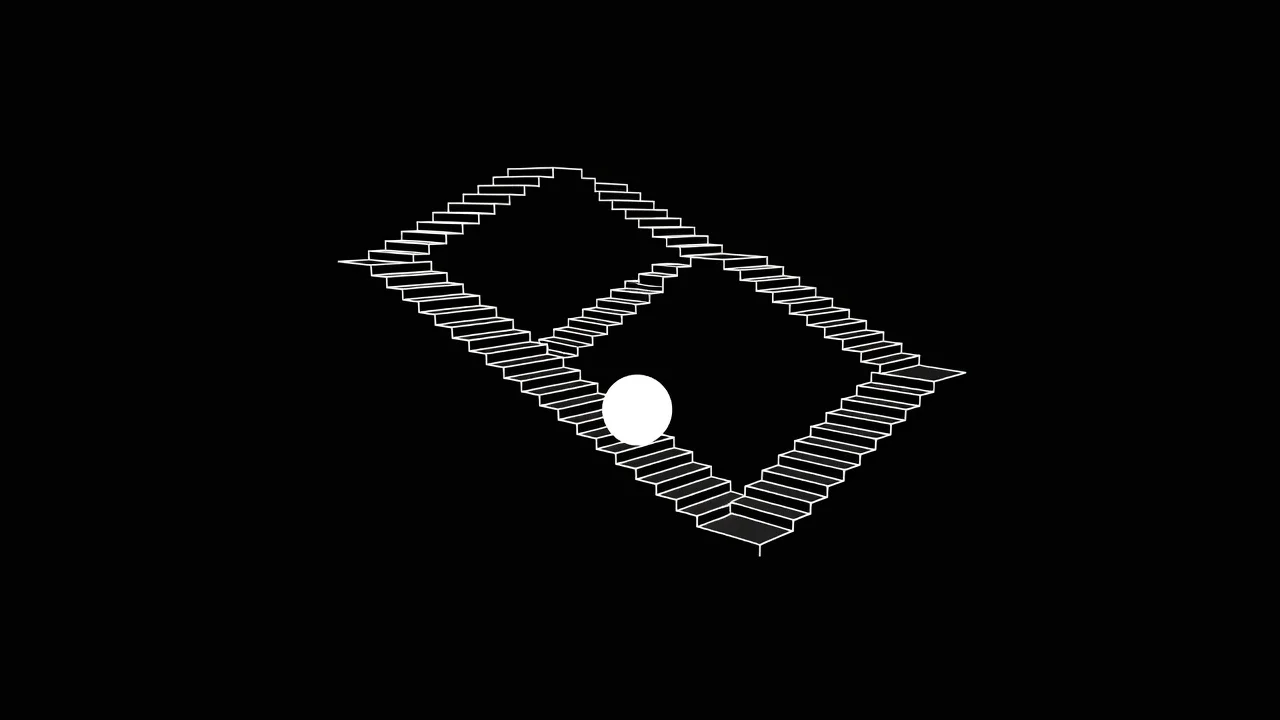
You watch a fifteen-second video. Then you watch it again. And again. You do not realize three minutes have passed until your thumb finally twitches to scroll.
That is the infinite staircase.
Creators who master this concept dominate short-form video algorithms. They do not just make good content. They engineer a viewing experience that removes the natural exit points. Designing loops that bypass brain fatigue requires more than just matching the first and last frames. It demands a deep understanding of human attention, audio masking, and visual misdirection.
When a video ends cleanly, the brain registers completion. That sense of completion gives the viewer permission to leave. To keep them watching, you have to steal that permission.
The Science of Brain Fatigue
Every time you watch a video, your brain tries to predict what happens next. When a video cuts to black or the music fades out, the brain recognizes a pattern. It knows the story is over.
This recognition triggers cognitive fatigue. The viewer suddenly becomes aware of the interface, their phone, and the time passing. Habituation sets in. The content no longer feels fresh, so the brain demands a new stimulus. The thumb swipes up.
You can bypass this fatigue by creating an infinite loop.
A perfect loop tricks the brain into thinking the story is still unfolding. The viewer stays in a flow state. By the time they realize they are watching the same video again, they are already three seconds into the next cycle. Because the first three seconds are the hardest part of viewer retention, you have already won.
Hiding the Audio Seam
Audio is the biggest giveaway of a looping video. You can match your video frames perfectly, but if the background track skips, the illusion shatters.
Viewers process sound faster than visual information. A jarring cut in your audio track snaps the brain out of its trance instantly. You need to build an audio bridge.
The Shepard Tone Technique
The Shepard tone is an auditory illusion that sounds like a tone continually ascending or descending in pitch, yet it never seems to get any higher or lower. You can apply a similar concept to your video editing.
- Overlap your ambient audio. Take the room tone or background noise from the end of your video and fade it under the first two seconds of your beginning.
- Cut on a breath. If you are speaking to the camera, end your video right before an inhale. Start the video with the exhale or the immediate first syllable.
- Use masking sounds. Introduce a sound effect (a whoosh, a clap, a door slamming) right at the transition point to cover the cut.
If you want to understand how low frequencies and foley can hide these cuts even better, read our guide on How Sound Design Influences the Perception of Visual Weight. Manipulating audio weight distracts the ear from the actual edit point.
Visual Misdirection
Once your audio is locked, you must hide the visual seam. Amateur creators just repeat the exact same static shot. This rarely works. The viewer spots the tiny jump in body language or lighting.
Professional editors use motion to blind the viewer to the cut.
The Match Cut on Action
Never cut on a still frame. Cut while something is moving.
If you end your video by covering the camera lens with your hand, start the video by pulling your hand away from the lens. The motion blur hides the exact frame where the video restarts. The brain stitches the two actions together into one continuous movement.
The Script Loop
The most popular technique on TikTok and Instagram Reels is the script loop. You write your script so the final sentence feeds directly into the opening sentence.
"And that is exactly why you should never..." (End of video) "...trust a real estate agent who says this." (Beginning of video)
When combined with a visual match cut, this script structure is incredibly effective. The brain desperately wants to hear the end of the sentence. By the time the sentence finishes, the viewer is trapped in the next loop.
Comparing Loop Techniques
Not all loops are created equal. Here is a breakdown of what works and what fails.
| Element | The Amateur Approach | The Professional Approach |
|---|---|---|
| Pacing | Slows down at the end | Speeds up at the end |
| Audio | Hard cut on the music | Crossfaded audio stems |
| Visuals | Static talking head jump cut | Motion blur or object wipe |
| Scripting | "Thanks for watching!" | Mid-sentence cliffhanger |
| Lighting | Changing natural light | Controlled studio light |
The Dopamine Cycle and Pacing
A true infinite staircase relies on pacing. You cannot just maintain a steady rhythm. You need to build tension and release it at the exact moment the video restarts.
Think about Why We Can’t Stop Watching: The Psychology of Satisfying Content. Satisfying videos rely on building anticipation. The viewer waits for the pressure washer to clean the final inch of pavement. They wait for the kinetic sand to collapse.
Your loop must act as that final satisfying release.
Color and Contrast as Triggers
You can use visual cues to signal this release without the viewer noticing. Shift your color grading slightly as the video progresses. Start with cooler tones and end with warmer tones. When the video loops back to the beginning, the sudden shift back to cool tones acts as a visual reset button for the brain.
To master this specific technique, check out How to Calibrate Color Palettes for Dopamine-Driven Engagement. Managing color frequencies keeps the viewer locked into the visual rhythm.
The Speed Ramp
If your video feels sluggish at the end, the viewer will scroll. To bypass brain fatigue, you must accelerate into the loop.
Increase the pace of your cuts in the final five seconds. Speak slightly faster. Add more kinetic text on screen. Overwhelm the viewer's processing speed just enough so they cannot critically evaluate the transition. When the video restarts, drop the pace back to normal. This sudden drop in speed feels like a deep breath, and the viewer relaxes right back into the content.
The Pre-Publish Loop Checklist
Before you export your next short-form video, run it through this checklist. If you miss even one of these steps, your loop will break.
- Check the audio waveforms: Are there any visible gaps or spikes at the very beginning or end of the timeline?
- Test the breath: Did you accidentally leave half an inhale at the end of the clip?
- Verify the motion: Does the final frame contain motion blur that matches the first frame?
- Review the script: Does reading the last line and first line together sound like one natural sentence?
- Watch it with your eyes closed: Listen to the video loop three times. If you can hear the cut, fix the audio.
- Watch it on mute: Look at the video loop three times. If your eye catches a jump, fix the visual cut.
Keep Them on the Stairs
Brain fatigue is the enemy of retention. Every time your viewer realizes they have reached the end of a video, you risk losing them to the algorithm.
Stop treating the end of your video like an exit sign. Treat it like a revolving door. Build the audio bridge, hide the visual seam with motion, and write your script to pull them forward. Force the brain to keep walking up the stairs.